Step one
Pick the spec.
Pick a tier off the list, or tell us what they run and we will spec it for you.
No quotes to chase, no capex case to write, no lead time to plan around.
From choosing a spec to someone sitting down and working on it.
Pick a tier off the list, or tell us what they run and we will spec it for you.
No quotes to chase, no capex case to write, no lead time to plan around.
Either the app, on a machine they already own, or the Computle Device. Windows, Mac and iPad.
No tower is delivered, and nobody spends a morning imaging it before they can start.
A normal Windows desktop, with their applications and their files where they left them.
People work from any desk as project moves dictate, without a tower or a laptop being carried across the office.
Computle is a global workstation platform. We specify, build, deploy, monitor, recover and replace every machine your people work on. Your people work on a normal Windows desktop. You manage every one of them from the same place.
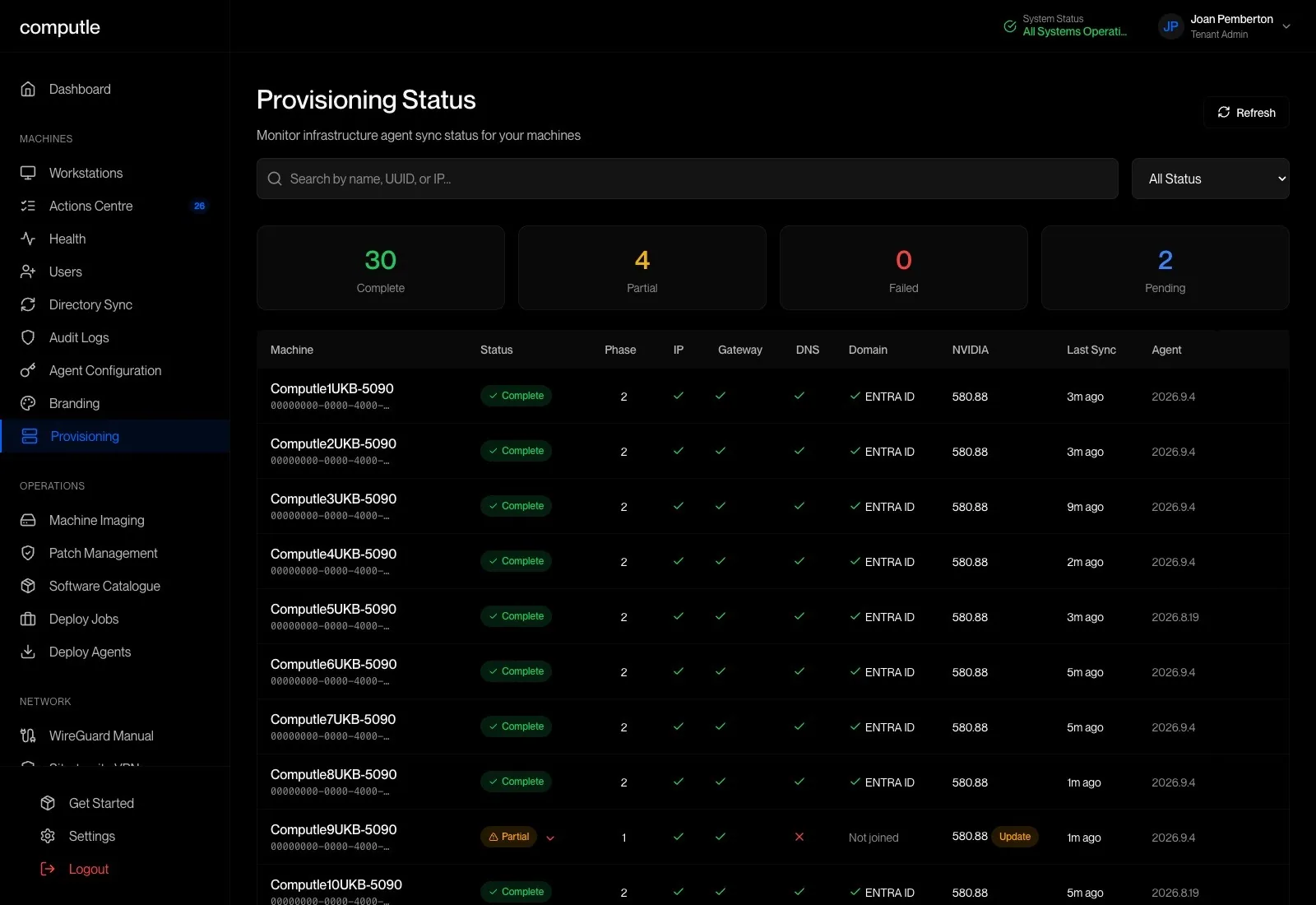
Give the machine to a person from the portal. Move it to someone else when they leave.
We monitor health and recover machines if they fail. You patch the estate from the portal, on your own schedule.
Usage tells you which machines are held back and which are over-specified.
Hardware refreshes at renewal. The old machine comes back to us.

The workstation stays in the data centre and people sign in to it from the office, from home, from a site visit or from another country. Nothing syncs and there is no second machine to keep up to date.
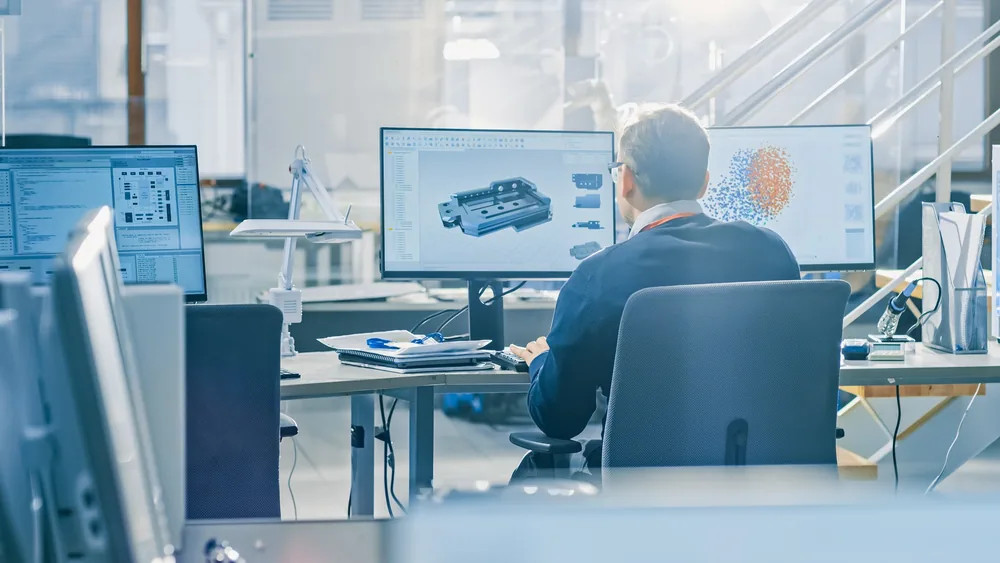
A Computle workstation is a physical machine with a dedicated graphics card, dedicated cores and its own disk. Nobody else is using the hardware your model is running on, so a render or a synchronise elsewhere cannot slow you down.
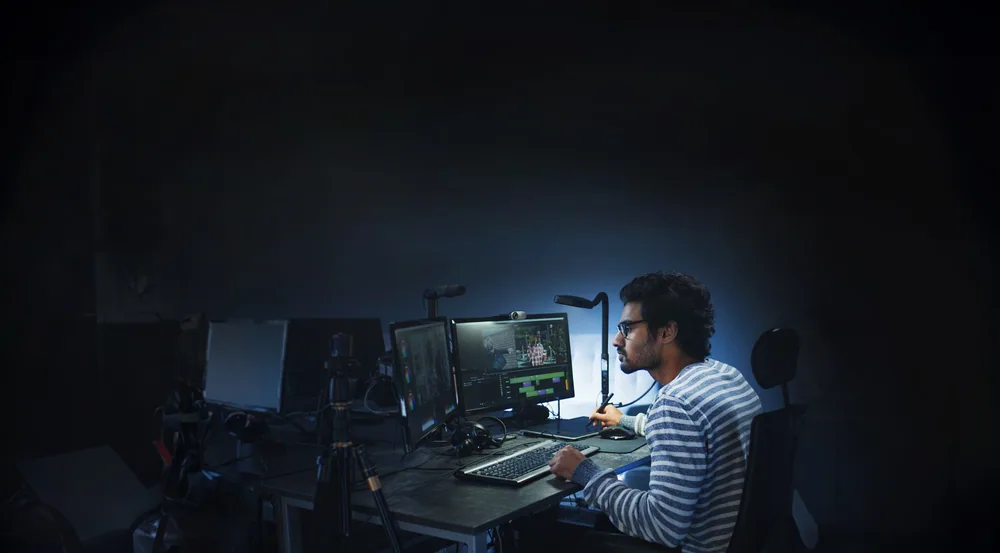
Close the lid and open it somewhere else. The machine keeps running, so the applications and files you had open are still open when you sign back in.

Printers, headsets, cameras, styluses and USB devices connect through to the workstation, with full support for video conferencing such as Teams and Meet.

The work stays on the workstation and in your own storage. A laptop left on a train is a laptop, not a copy of the project.

A single 1080p screen needs around 5 Mbps and dual 4K around 50. A hotel line or a phone hotspot will carry a working session.
 Rhino
Rhino Grasshopper
 Archicad
 Vectorworks
 SketchUp
 MicroStation
 Navisworks
 Civil 3D
 Tekla Structures
 Solibri
 Dynamo
 BricsCAD
 Autodesk Forma
 3ds Max
 V-Ray
V-Ray Enscape
 Lumion
 D5 Render
 Unreal Engine
 Corona
 KeyShot
 Blender
 Cinema 4D
 Oasys GSA
 Robot Structural Analysis
 IESVE
IESVE Ladybug Tools
 Karamba3D
 Ansys
Ansys ETABS
ETABS SCIA Engineer
 One Click LCA
 ReCap
ReCap Leica Cyclone
 Agisoft Metashape
 RealityCapture
 Pix4D
Pix4D Adobe Creative Cloud
 Bluebeam Revu
 Affinity
 Microsoft 365
 Autodesk Construction Cloud
 Trimble Connect
 Revizto
 BIMcollab
 Newforma
Plus anything else you run. People keep full administrator rights, so plugins and in-house tools install the usual way.
A Computle workstation is a Windows 11 machine with a dedicated graphics card, so your applications install and behave the way they do on a desk. Build your image once, then deploy it to every machine from the portal.
Computle does not ask you to migrate. Workstations connect to the storage you run today, and people sign in with the accounts they already have.
Your project files stay on Panzura. Every workstation mounts them like a local drive, in whichever data centre it sits.
Stays your system of record. Nothing moves.
Large files stream to the workstation, next to the data centre rather than the office line.
Existing shares connect with the permissions you already have in Active Directory or Entra ID.
Reach your storage over an encrypted tunnel, or plug the two networks together with a dedicated private circuit.
Where a practice already has an IT supplier for storage, that arrangement can stay.
Talk to us about your setup →The workstation itself sits in our data centre. What sits on the desk is up to each person: our app on a laptop they already have, an iPad, or a thin client that does nothing else.
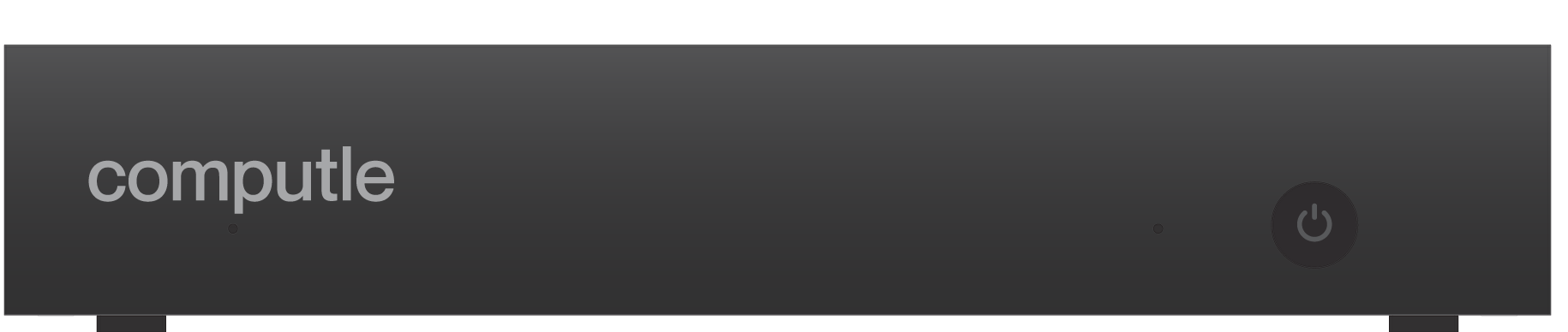
A thin client that does nothing else.


Most remote desktop carries colour at a quarter of the detail of the image around it. Computle carries it at full resolution. Thin coloured linework and small annotation stay legible.
Thin coloured linework and small text stay sharp
Ten-bit colour on monitors that support it
Per display, where the client and monitor support it
We run our own sites in the UK, the United States, Canada, Hong Kong and mainland China. A machine is built in the country you choose, so the people using it are close to it wherever they are.
Two sites, joined by our own 100G layer 1 fibre.
How the UK network was built →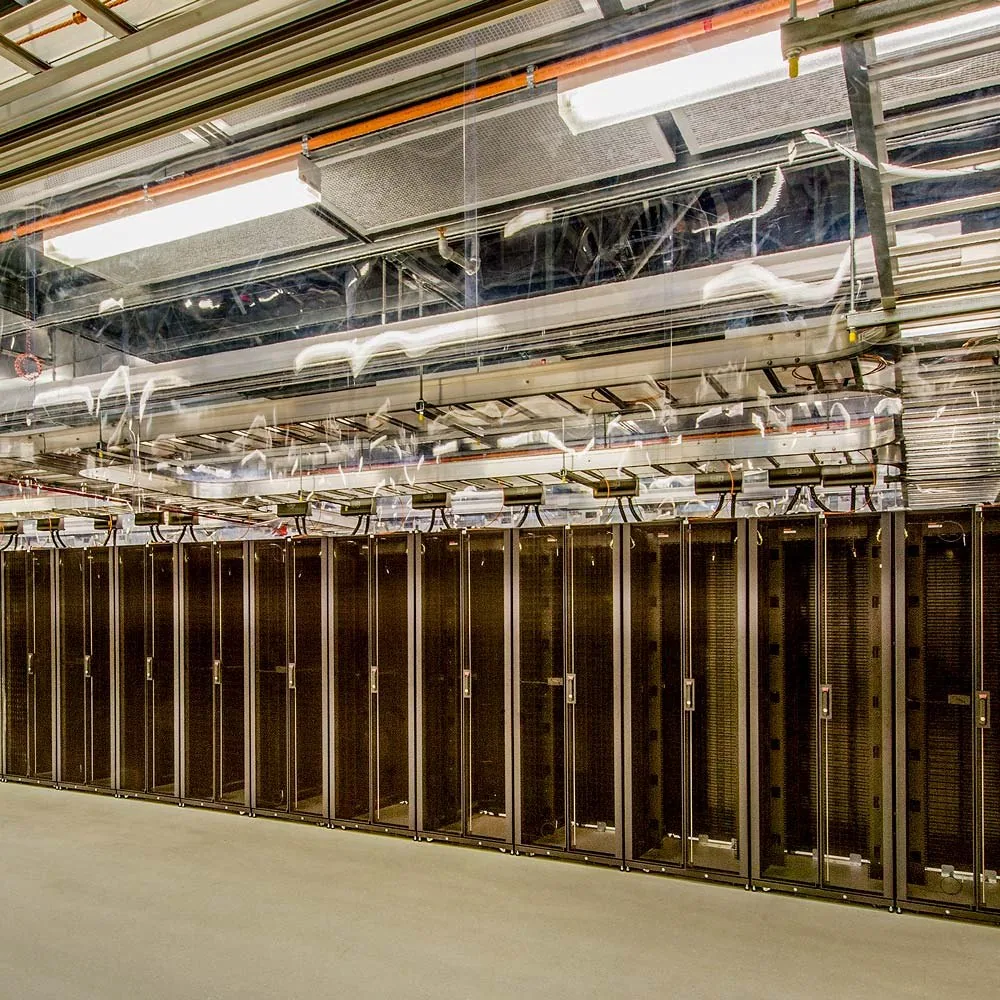
Each workstation is its own processor, graphics card and disk, and every physical host runs one of them. It is assigned to a named person in the portal and wiped before it goes to anyone else.
Multi-factor authentication on every account, access granted per identity, least privilege by default and networks segmented between tenants.
Hardware security keys are part of our multi-factor authentication. A stolen password on its own does not get anyone in.

Microsoft Entra ID or Active Directory, synced hourly, with MFA enforced if you want it. Starters and leavers follow your directory, so removing someone from it removes their access here.

Traffic between tenants is blocked. Machines, storage and networks are separated per customer.
Vulnerability scanning runs continuously, vendor updates are assessed and pushed, and every job keeps its result for audit.
WireGuard point-to-point tunnels carry the session, and only DCV, RDP and TGX traffic is allowed through them. Reach the estate over a site-to-site VPN or a private Layer 1 cross-connect.
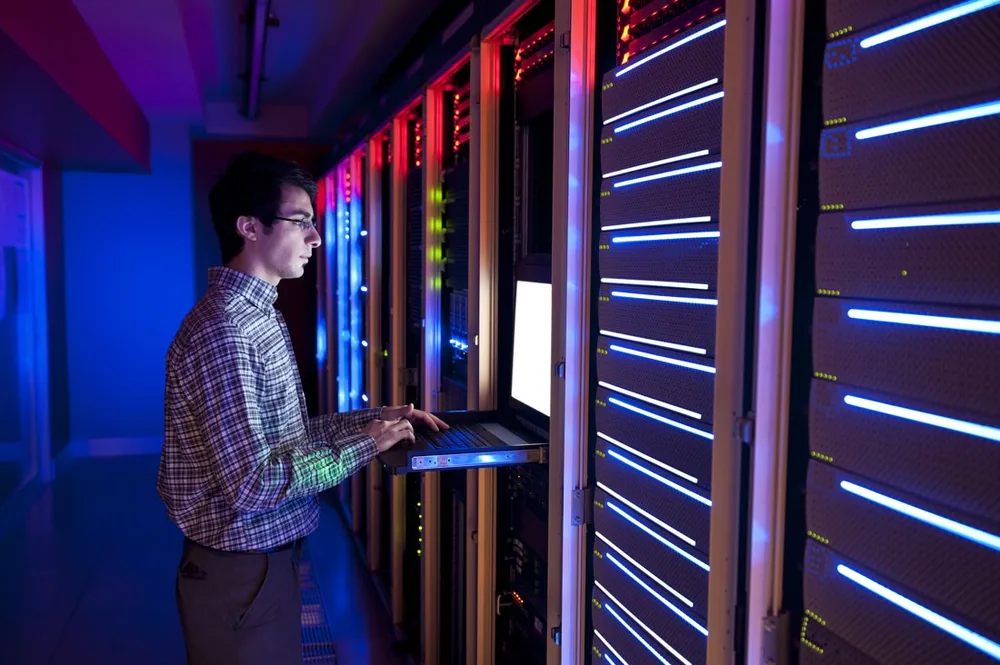
Events from the network, the hosts, the applications and the security tools land in one place, and a device can be quarantined automatically.
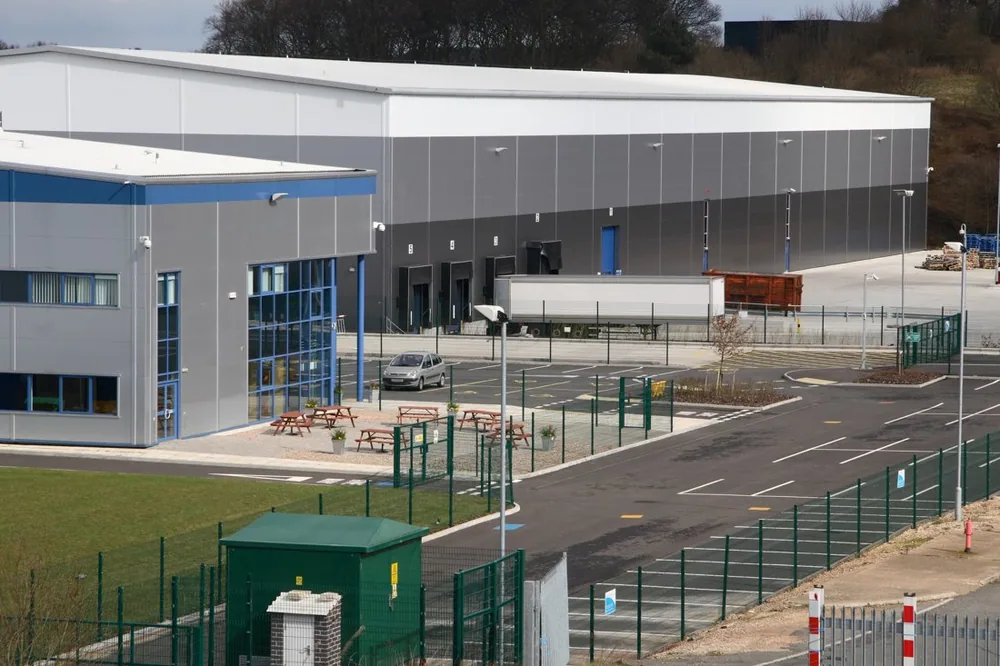
Biometric entry, access cards and video surveillance, with every entry logged. Reinforced doors, environmental controls and fire suppression.
Static analysis, dependency scanning and compliance checks run against the client and the platform. Security researchers can report findings to us.
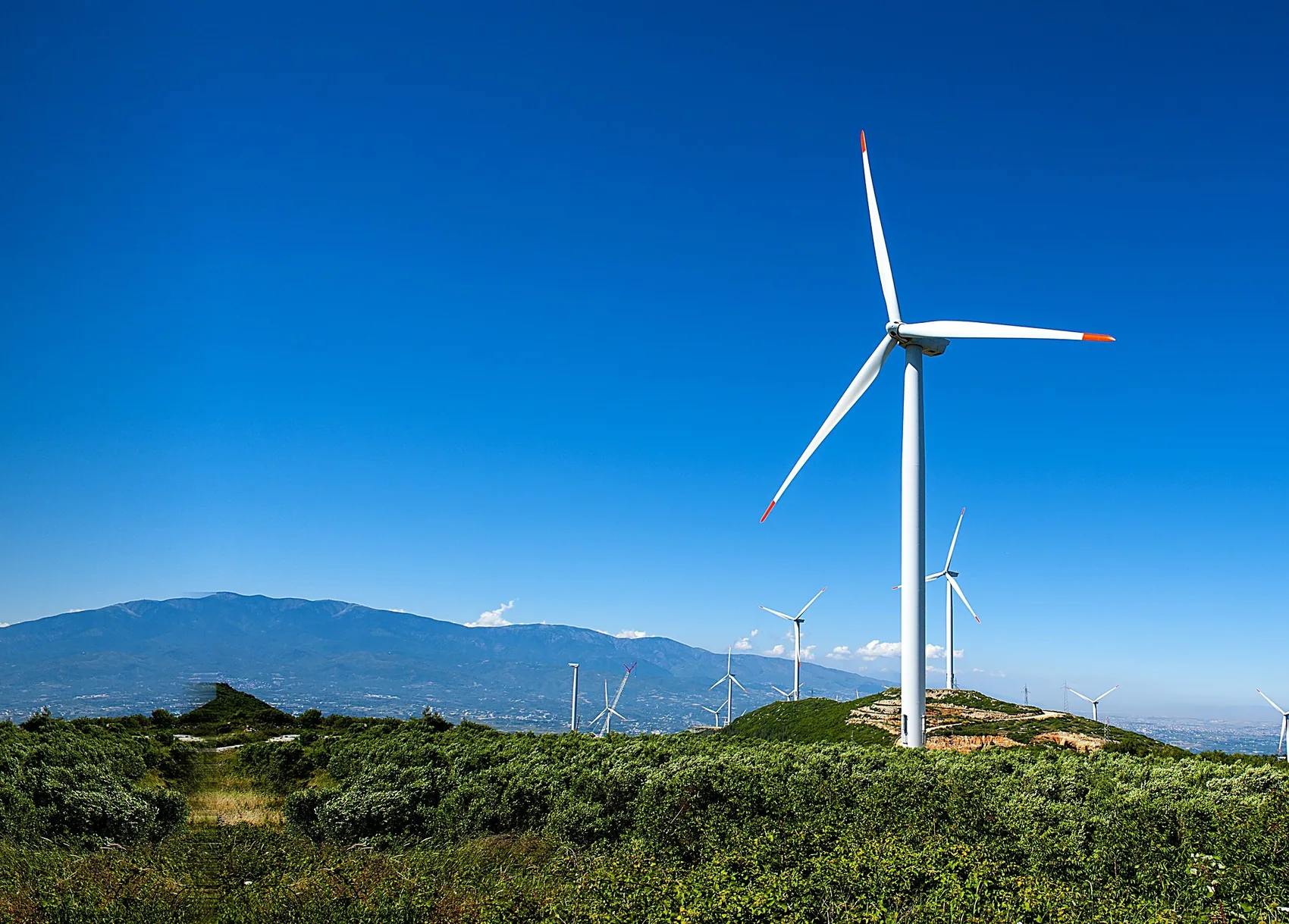
Every workstation is metered. You can see what each one is drawing at any moment, and each month those readings add up into a report.
Power draw for every machine, watt by watt, as the work happens
Per machine and per person each month, ready for a Scope 2 return
Renewable energy at selected sites
The year we have committed to being carbon neutral
What each workstation is, who it belongs to, and whether it is healthy, patched and joined.
Pick the machines, pick the package, and it installs. A result for every machine, including the failures.
Capture a configured machine as an image and roll it out. An image library and the history of every job.
Scan the estate and see what each machine is missing by severity.
Guest health and crash dumps per machine, and a ticket if one does not come back.
Live power draw and hardware readings across the fleet.
The settings your firewall needs, throughput, recent tests and the gateway log.
Hours in use against hours available, patch state, connection quality and energy in kilowatt hours.
Workstations are billed monthly as an operating cost. You choose the specification and your people keep full administrator rights.
People install their own plugins and in-house tools. We do not lock the machine down.
A 5090 for the visualiser and an i7 for the technician, on the same account.
New hardware at the end of the term. The old machine comes back to us.
Run your own projects on a real machine, with your own software on it.
No minimum order. Add machines as people join.
No capital outlay. The machines do not sit on your balance sheet.
The price you sign is the price you pay until renewal.
Tell us the workload and we will say what it needs.
Specifications and prices sit on the pricing page.
See what it costs →